
Create Minecraft addons on your phone
Build addons, skins and resource packs anywhere. Free on iOS and Android.


Create Minecraft addons on your phone
Build addons, skins and resource packs anywhere. Free on iOS and Android.
We use cookies to improve your experience and analyse site traffic. Learn more
Make your own Minecraft Bedrock add-ons on your phone. No coding.
The GodCraft Workshop is a free Minecraft addon maker in the GodCraft app. Create custom items, weapons, tools, food, armor, blocks and mobs for Minecraft Bedrock Edition, paint their textures, build 3D models, and export a ready-to-play .mcaddon in one tap. Everything is visual: no programming and no JSON editing.
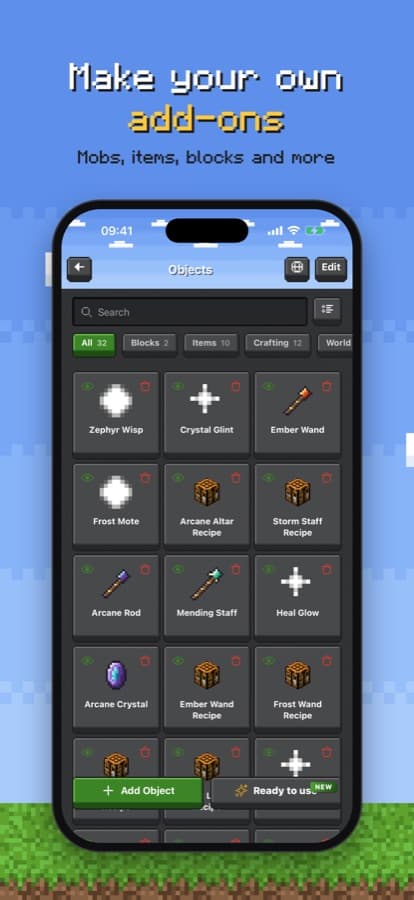
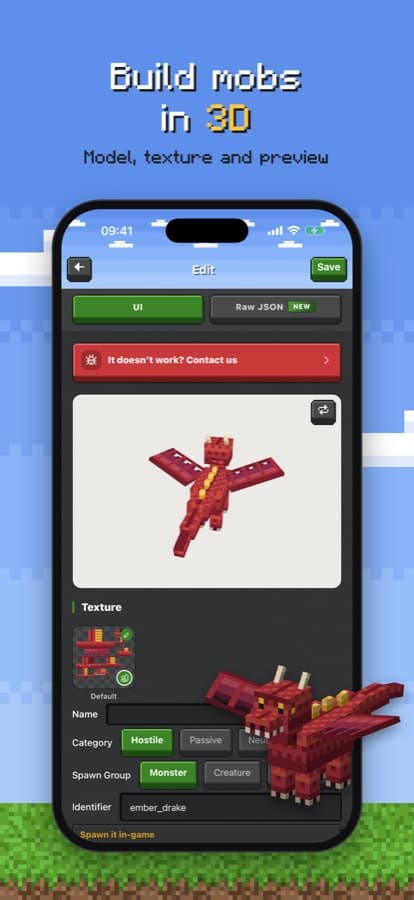
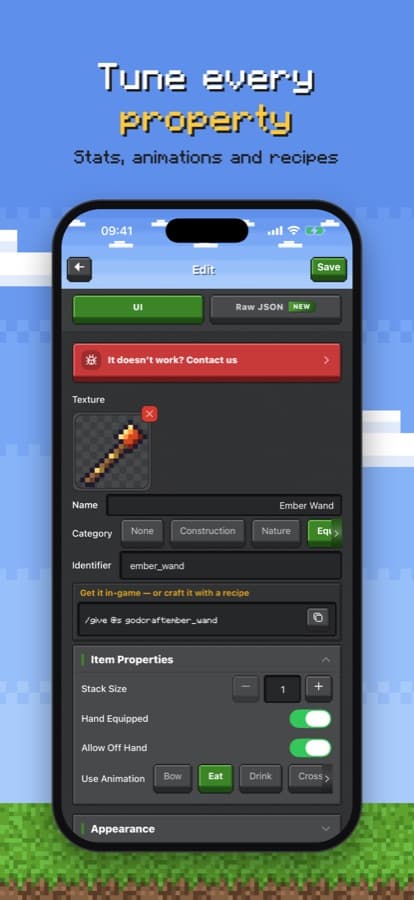
A visual editor writes valid behavior and resource packs for you: define items, mobs, blocks and recipes without touching JSON.
Build mob models with the 3D model editor, give them health, movement, attacks, drops and spawn eggs, and preview them right away.
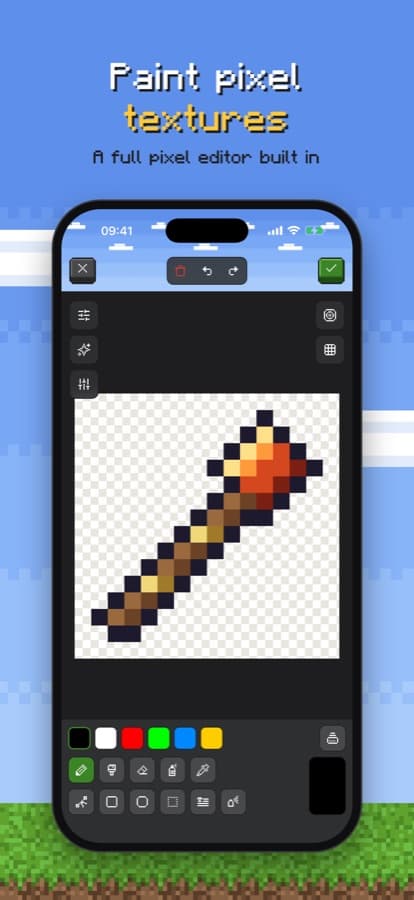
Paint textures for items, blocks and mobs with a full pixel editor built in, or start from vanilla textures.
Durability, damage, food effects, armor protection, recipes, animations and more, all with simple controls.
Export a .mcaddon that opens straight in Minecraft Bedrock on the same phone, tablet or PC.
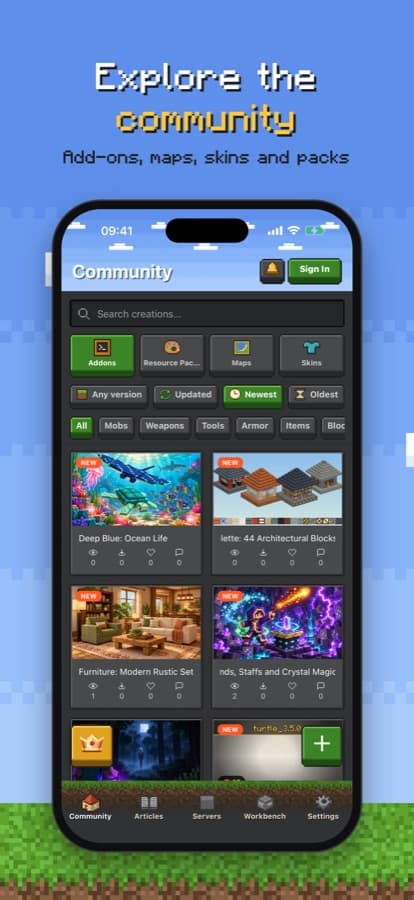
Publish your creation on GodCraft and get downloads, likes and comments from thousands of players.
Download GodCraft for free from the App Store or Google Play.
Open the Workshop and start a new add-on with a name and an icon.
Add items, weapons, food, armor, blocks or mobs and customize their properties, textures and models.
Export the .mcaddon to play it in Minecraft Bedrock, or publish it on GodCraft to share it.
Yes. The GodCraft app and its Workshop are free: create, export and publish add-ons at no cost.
The Workshop is in the GodCraft app for iPhone, iPad and Android. Download it from the App Store or Google Play.
No. The Workshop is a visual editor that generates the behavior and resource pack files for you.
Add-ons are made for Minecraft Bedrock Edition (.mcaddon), which runs on Android, iOS, Windows, consoles and more.
Export the .mcaddon and open it: Minecraft imports it automatically. Then turn the pack on when you create or edit a world.
Start making your add-on today
Get GodCraft for free and turn your ideas into Minecraft add-ons in minutes.